Fleet-Wide Compliance And Operations From One Dashboard
Compliance gaps, manning shortfalls, and pending safety reviews surface early—before an audit or inspection.
Why fleets still struggle
The cost of how it’s done today
Without a single view, management pieces fleet compliance, manning gaps, and operational status together from spreadsheets and email.
The traditional approach
Multiple per-vessel spreadsheets and inboxes, leaving the office without a real-time picture of the fleet.
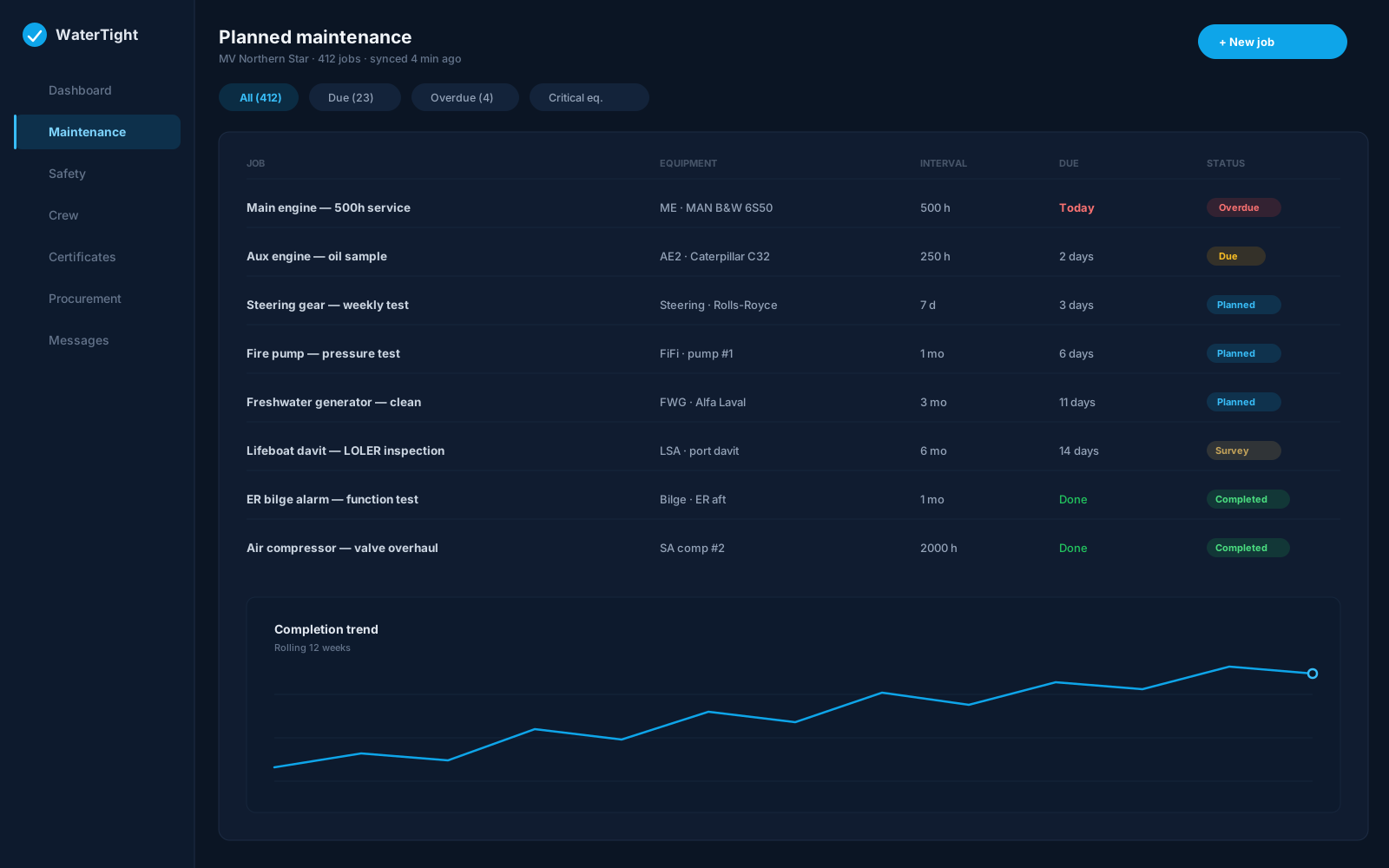
Monday with WaterTight
What changes when this is under control
A customisable fleet dashboard: compliance ring, unfilled positions, certificate renewals, pinned cards, a fleet safety inbox, and daily-report aggregation with a map.
Time back
The status of the whole fleet is on one screen, so managers stop assembling it from scattered sources each week.
Less waste
One dashboard replaces the reporting overhead of consolidating vessel spreadsheets by hand.
Lower risk
Compliance gaps, manning shortfalls, and pending safety reviews surface early—before an audit or inspection.
In the module
How Fleet Position & Dashboard delivers it
Unfilled positions (30-day)
Certificate renewals
Pinned dashboard cards
Fleet safety inbox
Fleet daily reports and map
Capabilities
- On-duty contact display
- Activity feed
- AI operational briefing
- Vessel context picker
- Drill-through to source modules
- Role-based visibility
Ship to shore
How the work moves
- Manager opens the fleet dashboard
- Sees compliance, manning gaps, and operations
- Drills into a vessel or module
- Takes action from the same screen
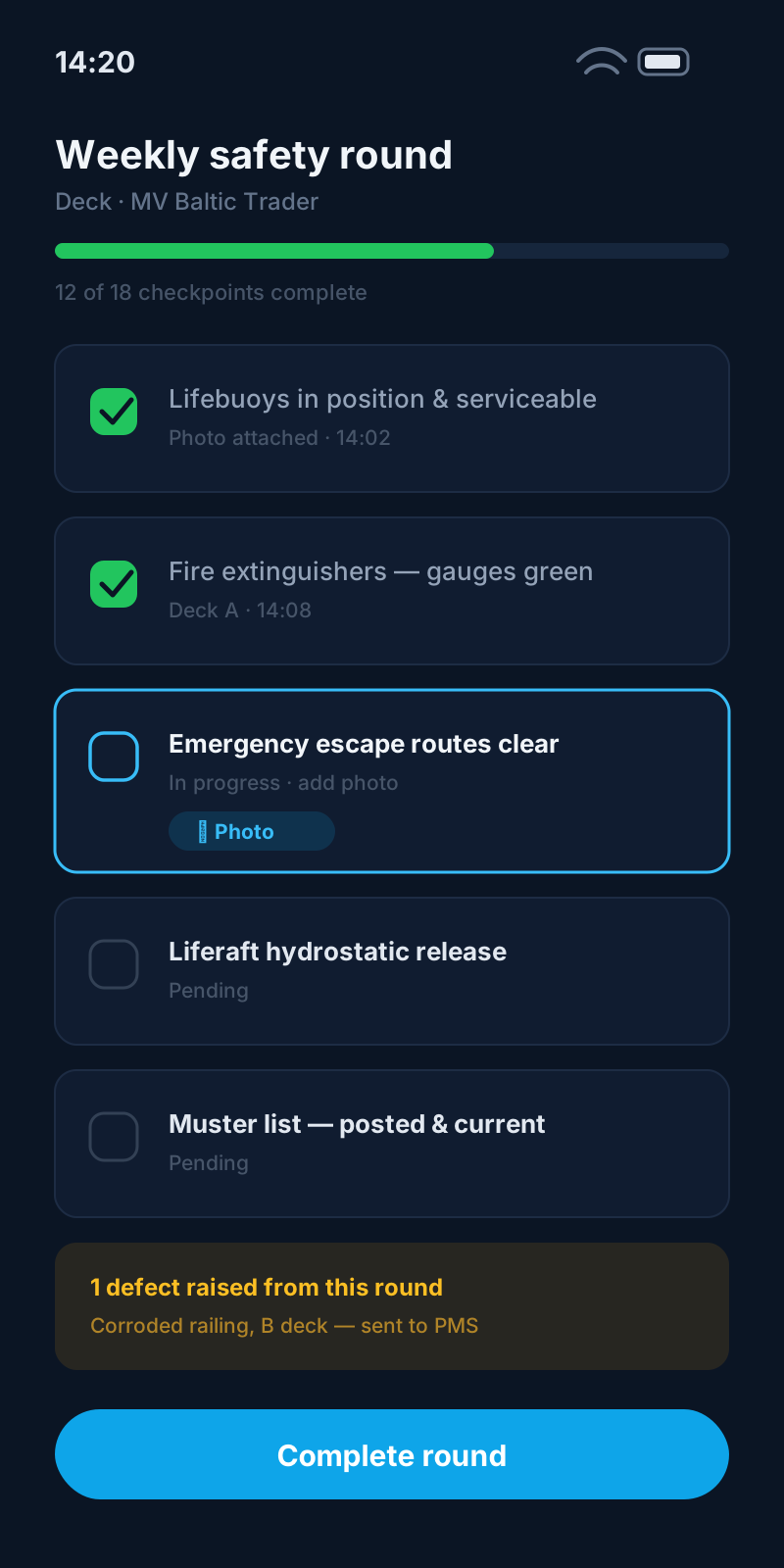
Questions before you commit
Can users customise the dashboard?
Yes. Users pin the cards they need—certificates, PMS, safety, procurement, daily reports, and more.
Does it aggregate daily reports?
Yes. Fleet daily reports and a map view aggregate vessel positions and status from reported data.
Who can see the whole fleet?
Fleet managers and DPAs with the right permissions see cross-vessel data; vessel staff typically see only their assigned hull.
Is the AI briefing tenant-safe?
Yes. The AI briefing is company-scoped and does not leak data across tenants.
Related solutions
Bring this pain to a demo
We’ll walk fleet position & dashboard for Fleet Manager and DPA on a sample vessel — so you can judge the fit, not sit through a feature tour.